


Other
M1034K
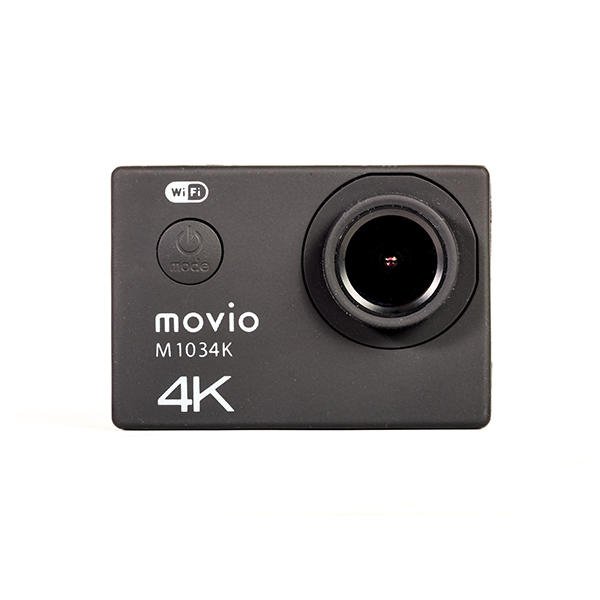
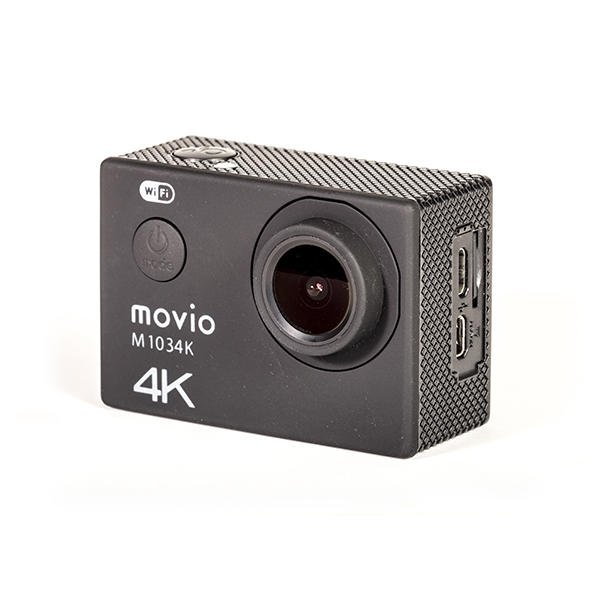
High-Quality 4K Ultra HD Action Camera with WiFi Function
¥8,228 (tax included)
*Open price
We do not offer international shipping.
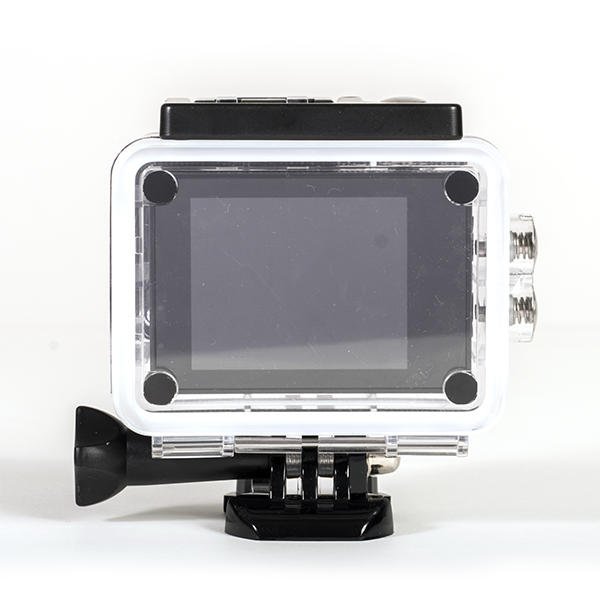
This excellent product is equipped with WiFi functionality, allowing you to wirelessly transfer recorded data even from a distance. Download the free dedicated app (iOS/Android version) to your smartphone or tablet, and you can view recorded data within the app from a distance, as well as play back or download it on your smartphone or tablet. The image quality supports 4K Ultra HD, enabling you to capture high-quality, immersive and powerful footage that could not be recorded with conventional action cameras. It also features high performance, including a wide 170° angle of view and a maximum recording time of approximately 90 minutes (when using 1080P 60FPS). Simply connect the included USB cable to your computer to use it as a webcam, useful for telework and other applications.
※Depending on the model of Android device, the app may not connect to the camera on the app’s home screen because the WiFi connection cannot be maintained and has been disconnected.
When connecting to WiFi for the first time, if the Android system displays a confirmation notification stating, “This network is not connected to the Internet. Do you want to maintain the connection?”, be sure to select “Yes.”
If the notification disappears or is not displayed again, delete the WiFi settings for “movio-M1034K” from the device settings, then connect to WiFi again.
※The notification method and wording vary by model. Please contact your smartphone manufacturer for instructions on how to maintain the connection.
Also, turning on Airplane mode or turning off mobile data communication from the device settings screen may resolve the issue. If you use antivirus or other security software that monitors WiFi access, turn it off while using the app, or exclude the app from monitoring.
Notice regarding an issue with the Android version of the Action Camera M1034K app
●For examples of how to use the included accessories, please see the guide at the link below. (PDF file, approximately 6.13 MB)
Examples of Using movio Action Camera Accessories
●If you are unable to save videos from the app to your device in the iOS version of the app, please see here.
If you are unable to save videos from the app to your device in the iOS version of the app
●For instructions on connecting it as a webcam, please see here.
Main Unit Settings When Using a movio Dashcam or Action Camera as a Webcam
If You Cannot Connect Properly
【Notice and Request to Customers Using Wireless Earphones, Dashcams, etc.】
Sample Video
Product Specifications
| Lens size / image sensor | 1/3.2 ・ Sony IMX175 |
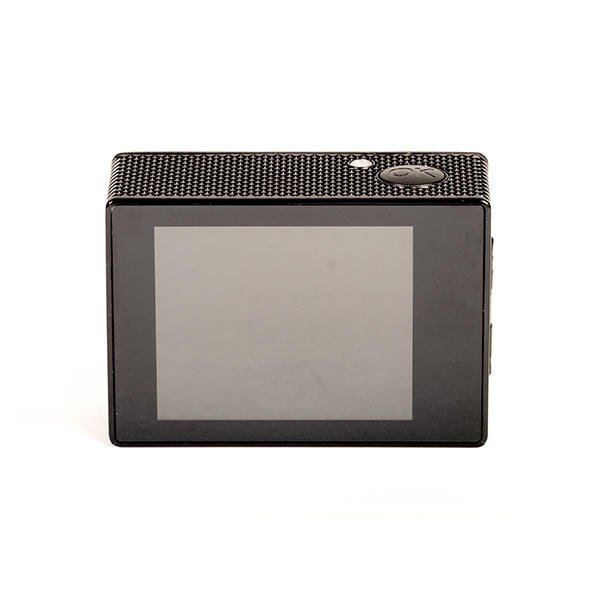
| Screen size | 2.0 inches |
| Resolution, frame rate | 4K 30FPS、2.7K 30FPS、1080P 60FPS、1080P 30FPS、720P 120FPS、720P 60FPS、720P 30FPS |
| Field of view | 170° (diagonal) |
| Recording format | mp4 (video) / JPEG (photos) |
| Storage media | microSD card (supports SDHC 8–32GB and SDXC up to 64GB; Class 6 or higher supported) ※Purchased separately. |
| Interface | USB2.0、HDMI1.4 |
| Battery capacity | 750mAh |
| Maximum continuous recording time | Approx. 90 minutes (when using 1080P 60FPS) ※The available recording time may vary depending on the environment. |
| Charging time | Approx. 2.5 hours |
| Maximum Wi-Fi connection distance | 10 m maximum |
| Dimensions | 59mm×41mm×25mm |
| Main unit weight | 56g |
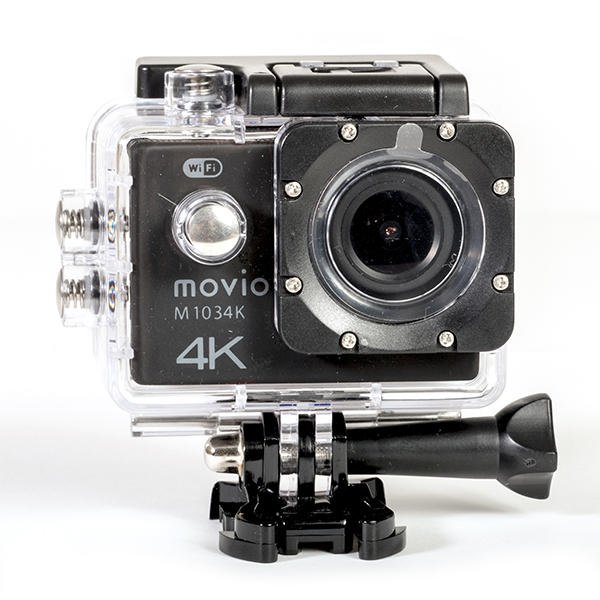
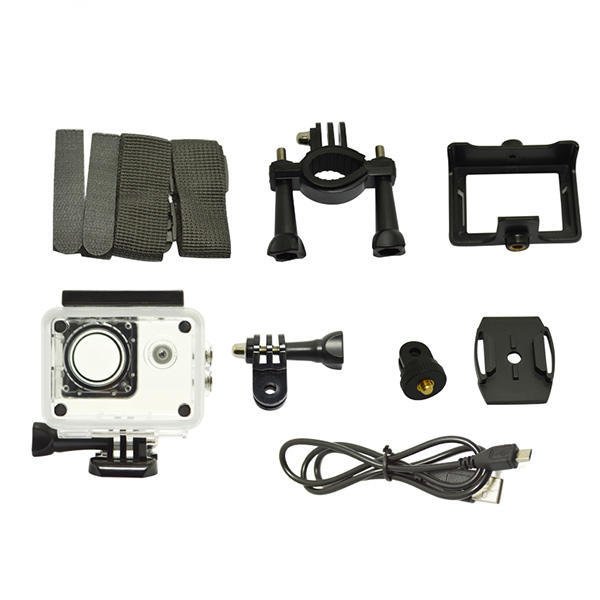
| Package contents | Waterproof case, adapter for bicycle mounting, mounting strap, mounting case with tripod hole, sticker mount, mount adapter, mounting clip, USB charging cable, quick guide, instruction manual/warranty card |
| App installation | iOS: Search for “M1034K]” in the App Store Android: Search for “M1034K]” on Google Play (play.google.com/) |
| Warranty period | 12 months from purchase |
| Release date | September 27, 2018 |


